
I really love Dropbox and I want to let everyone know how they can easily add more space to thier Dropbox account. You should check now and boost your available data space.
Originally(at the time of this article creation) there were 6 tasks that need to be completed, each task will award you 500MB of more Dropbox space with friend referrals granting an extra gig! It is still worth it to take a trip to the free space boosting page.
- Sign Up Here
- Go here to get more dropbox space: https://www.dropbox.com/getspace
Most of these easy tasks are still available, so here are the original (simple) tasks to do to immediately boost your available drive space.
- THE BEST: Refer a friend, get 500MB each.
- Connect your Twitter account with Dropbox – 128 MB
- Connect your Facebook account with Dropbox – 128 MB
- Follow @Dropbox on Twitter – 128 MB
- Give some feedback why you love Dropbox – 128 MB
- Post the feedback message to your Facebook Profile – 128 MB
- Post the feedback message as a tweet to your Twitter profile – 128 MB
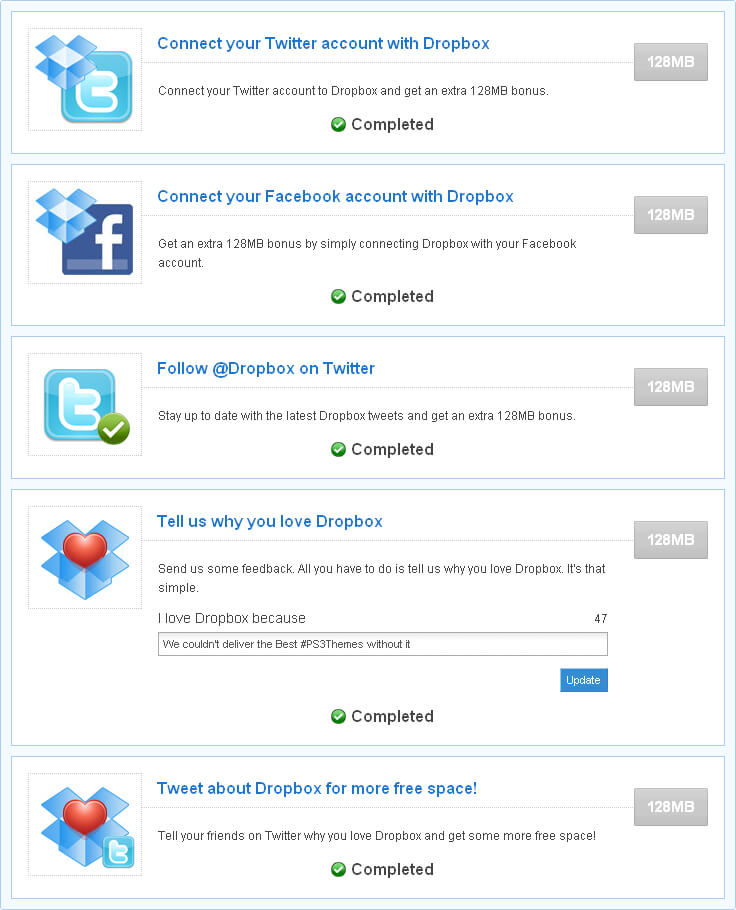
Did I mention I LOVE DROPBOX!